
Ford SYNC Updates: Why You Shouldn’t Ignore Them
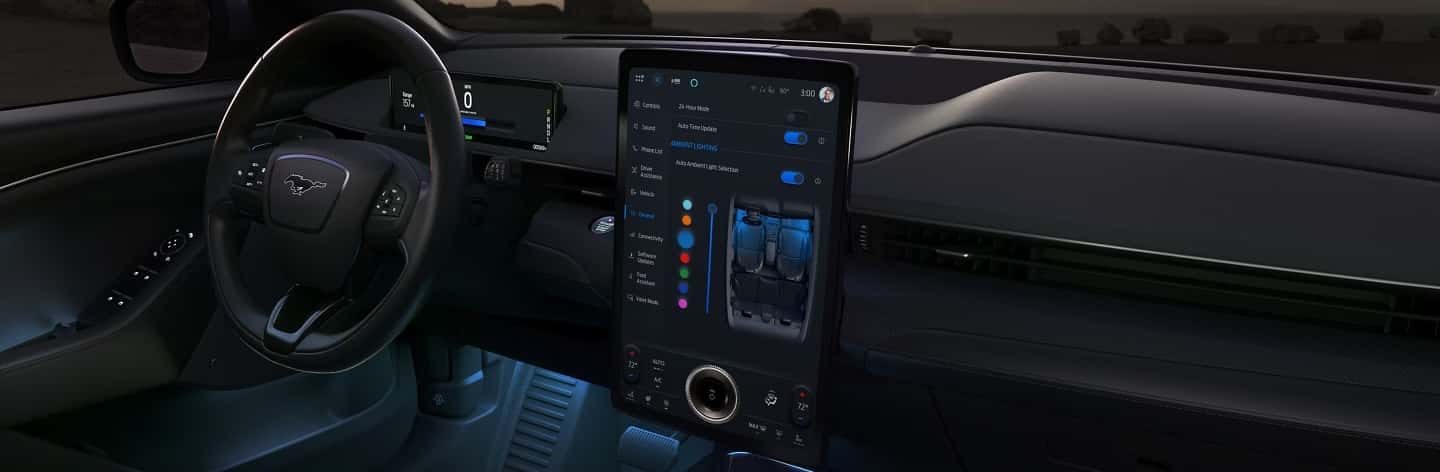
Technology in today’s vehicles evolves quickly, and your Ford is no exception. SYNC, the infotainment system that powers navigation, hands-free calling, voice commands, and smartphone integration, relies on regular updates to stay accurate and secure. Skipping these updates may seem harmless, but doing so can leave you with outdated features, dropped connections, or even potential security risks.
Updating SYNC is similar to updating a smartphone or computer; it ensures the system works the way it should, while unlocking improvements you may not even realize you were missing.
Why SYNC Updates Matter
- Navigation accuracy: Updates refresh maps and routing so your system reflects new roads and points of interest. Outdated maps are one of the most common causes of wrong directions.
- System security: Like any software, SYNC can contain vulnerabilities. Updates often patch these gaps, protecting your vehicle’s technology from risks.
- Connectivity and speed: Updates improve Bluetooth stability, reduce dropped calls, and enhance the integration of Apple CarPlay® and Android Auto™. They also refine voice command accuracy, making hands-free use smoother.
- Feature improvements: In some cases, Ford adds new features or makes the menus easier to use, keeping your SYNC system aligned with the latest Ford technology.
How to Check for SYNC Updates
If you drive a Ford with SYNC 3 or SYNC 4, you can check for updates directly from the infotainment screen:
- Tap Settings.
- Select General.
- Scroll to Software Updates and choose Check for Updates.
If an update is available, you will see on-screen instructions to download and install it. Updates can be done over Wi-Fi for most newer vehicles.
Over-the-Air (OTA): Connect your vehicle to a trusted Wi-Fi network and let SYNC download updates directly. Some may install in the background, while others require the vehicle to be parked.
- USB drive: Download the update file from the Ford Owner website using your VIN, transfer it to a USB drive, then plug it into your vehicle’s USB port. Follow the on-screen prompts to complete installation.
- FordPass™ App: If your vehicle is eligible, the FordPass app can alert you to available updates and manage them when your car is connected.
Support from Biener Ford
If you would rather not handle updates yourself, Biener Ford’s service department can do it for you. During routine maintenance, our technicians can check your SYNC system, apply any available updates, and explain new features. For customers who are less comfortable with technology, this ensures peace of mind.
It is worth noting that updates themselves are free, though there may be a small service charge if you bring your vehicle in solely for a SYNC update. Many customers choose to have them applied during their scheduled service visit to save time. If you have questions, don’t hesitate to reach out to our service team.
Stay Current, Stay Confident
SYNC updates may be easy to overlook, but they make a real difference in how your Ford performs day to day. Whether it is quicker navigation, more reliable connections, or stronger system security, these improvements help you get the most out of your vehicle’s technology.
If you are unsure about your SYNC version or need assistance installing an update, schedule service with Biener Ford. Our team is here to keep both your vehicle and its technology running their best.

0 comment(s) so far on Ford SYNC Updates: Why You Shouldn’t Ignore Them